How to Use Temp Mail for Discord - The Simple Step-by-Step Guide
Let’s be honest! Discord is great for playing games and chilling with friends. But while you’re having fun, it’s still important to keep your personal info safe. One easy way to do that is by not using your real email address everywhere. That’s where a temporary email address can help. It’s a simple way to keep your privacy safe.
Here, I’ll show you how to quickly get a free temporary email address that you can use for Discord. It’s really easy.
What is Discord?
Discord is much more than just a free voice, video, and text chat app. Think of it as a virtual community center. Discord is designed for both talking and hanging out. Users gather in "servers." These servers are usually organized around specific topics or groups. You'll find servers for everything imaginable. Think gaming, education, or even just sharing funny memes.
Discord offers a powerful blend of communication tools.
You can use crystal-clear voice chat.
The video calls work great.
Text messaging is easy.
It has grown huge since its start. Over 150 million people actively use it every month. That’s a massive user base! The platform is now a key tool for creators and businesses, too. It’s not just for gamers anymore. It has become an essential social room.
Why Use Temp Mail for Discord Registration?
You might be wondering, "Why bother with a temp mail for Discord?" It’s really just common sense and basic online safety. When you sign up for an online platform, you hand over your real email. This act makes you vulnerable to spam. It opens the door to annoying advertising mailings. Even worse, it increases the risk of phishing attempts.
Using a free temporary email service acts like a digital shield.
It stops spam. Your main inbox stays nice and clean.
It keeps you anonymous. You do not share your real identity.
It protects your privacy. Your actual email address remains hidden.
Consider it a perfect disguise for your sign-up process. It's especially useful for accounts you might use just once or for short-term projects. It makes sense to use a temporary address sometimes.
How Discord Activities will Succeed with Temp Mail
Using a temp email for Discord can make things a lot easier online. Maybe you’re joining different niche communities, trying out a project, or just keeping things organized. Having a separate, temporary email can help you stay organized and protect your privacy while you explore.
A free temporary email address gives you flexibility. You don't have to stress about compromising your main inbox. Imagine joining fifty different newsletters or communities. That would totally swamp your primary email! With a temporary address, those emails vanish safely after a short time.
This approach lets you fully explore Discord's potential. You stay safe and spam-free, too. It’s a simple but effective way to stay organized online.
How to Set Up a Temp Mail for Discord (Step-by-Step)
Setting up a temp mail for Discord is incredibly easy. Seriously, it takes maybe two minutes! You do not need to download anything complex. You also skip any long sign-up forms. We will walk through the steps right now.
Step 1: Visit a Temp-Mail Website
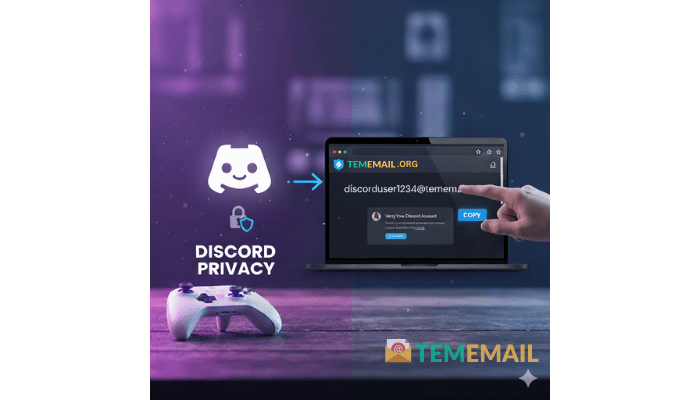
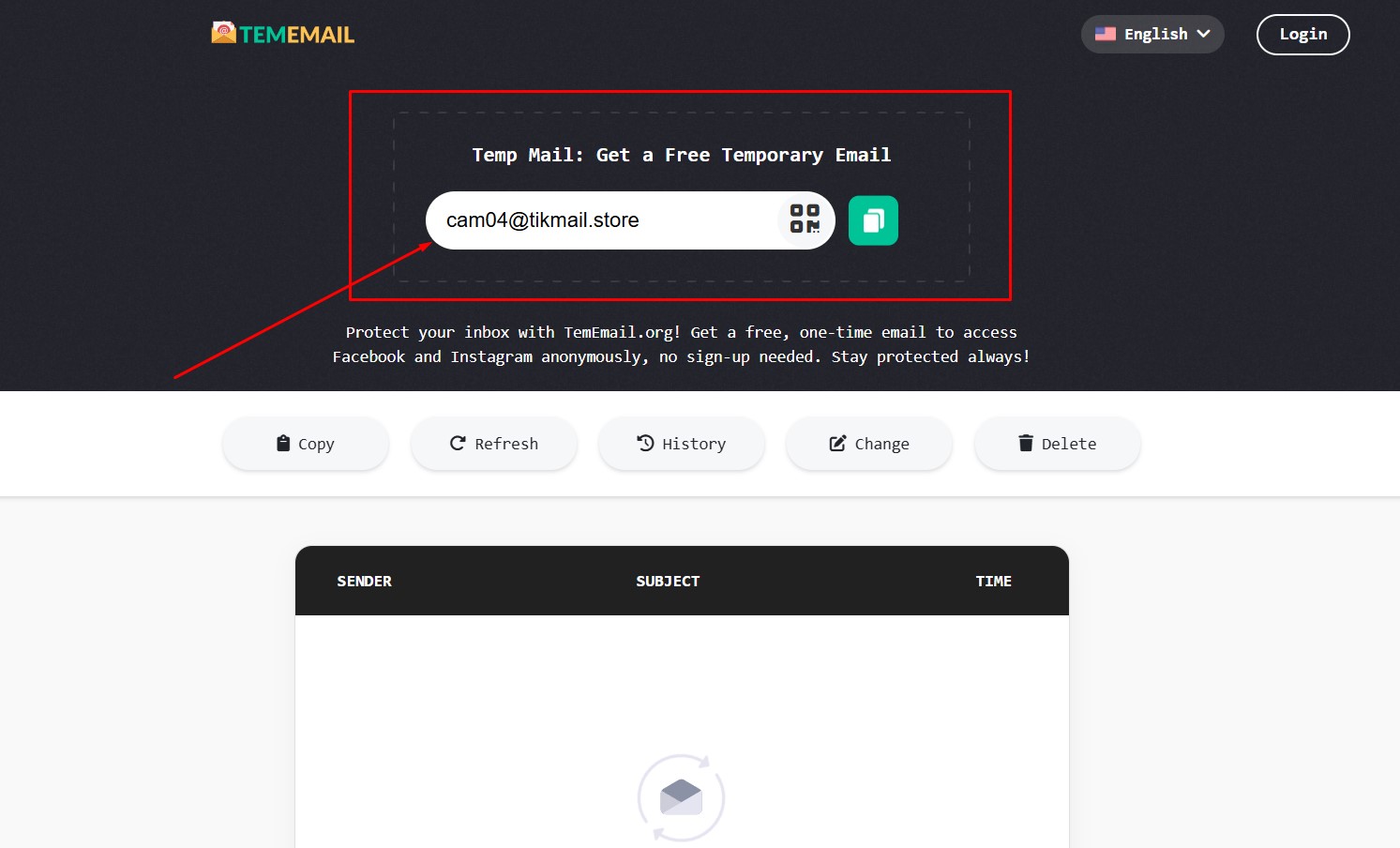
First, you need to visit a reliable temporary email service. A great example is tememail.org.
Go to a trusted free temporary email website.
The page loads quickly.
Step 2: Grab Your Temporary Email Address
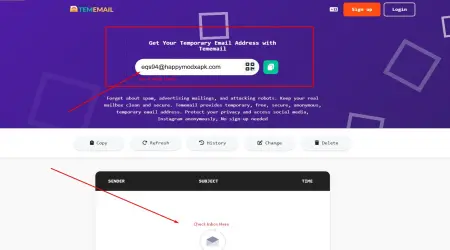
Once the page loads, you are able to see a new temporary email address appear on the display. The website auto-generates a random email address for you.
Click the "Copy" button right next to the address.
This copies the whole address to your clipboard.
Step 3: Start the Discord Sign-Up
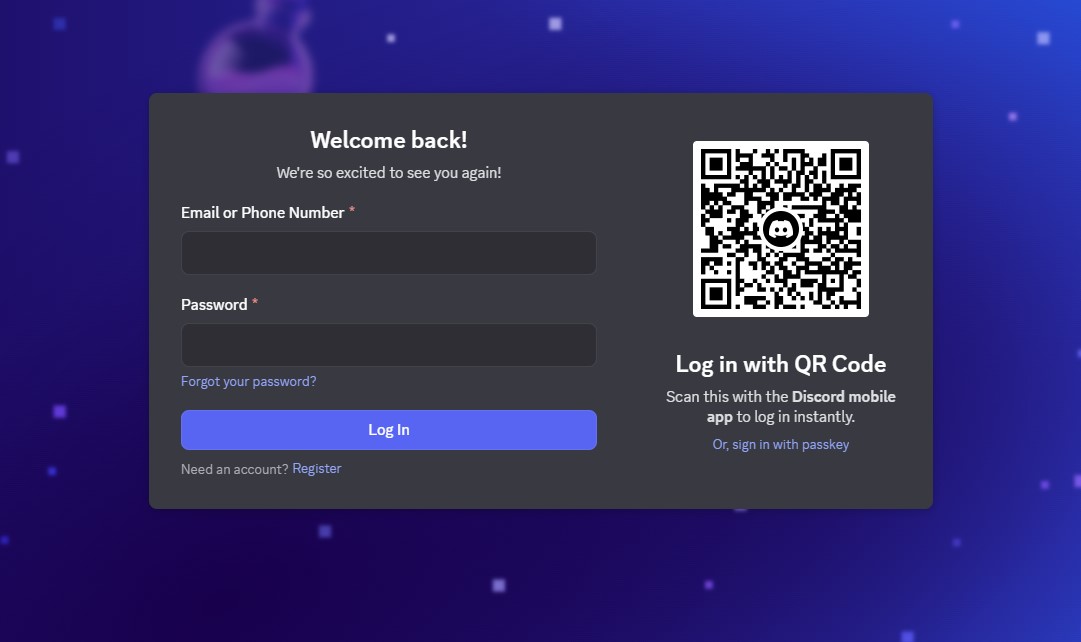
Now, open Discord's registration page. You're ready to create your new account.
Go to the Discord sign-up page (on the app or web).
Start the standard registration process.
Step 4: Use Your Temp Mail for Discord
Paste the copied temporary address into the email field. Do this during the Discord sign-up process.
Paste the temporary address into the "Email" box.
Fill out the rest of the form with your desired username and password.
Click the "Continue" button to move forward.
Step 5: Verify the Account
Discord sends a verification link to that email address. This is where the temporary inbox shines!
Go back to the free temporary email website page.
Scroll down a bit to find the "Inbox" section.
Wait for a moment; the verification email will appear here.
Step 6: Complete Verification
Click the verification link to finish your Discord setup. You are almost there!
Click on the new email from Discord.
Find and click the "Verify Email" button or link inside.
Your new Discord account is now active and ready to use.
See? That was super simple and easy! You now have a Discord account. You never gave up your real email address. You successfully used a temp mail for Discord setup.